
Is the F180 GPS drone worth buying? After flying mine and making three videos about it, my answer is yes for the right buyer. I actually enjoy flying this drone. The screen built into the controller is convenient, and I like the obstacle avoidance I demonstrated indoors. I do wish that feature worked outside.
That last point matters. If you are shopping for a drone because you expect it to automatically dodge outdoor obstacles, this is not the reason to buy the F180. My recommendation is about the flying experience I have had, with that limitation clearly understood.
Affiliate disclosure: If you buy through my links, I earn a small commission. Your price does not change; it simply helps support SLVRBCK Troop and the videos and articles I create. As an Amazon Associate, I earn from qualifying purchases.
My quick verdict: enjoyable, with an important limit
- What I like: flying it, seeing the live camera feed on the controller’s 4.5-inch screen, adjusting the camera angle, and watching the indoor obstacle sensors react.
- What I wish were different: I would like the obstacle avoidance to work outdoors. In my test, it is an indoor-mode feature.
- Who I would consider it for: someone interested in recreational flying who likes a controller with its own display and is willing to learn the setup.
- Who should look more carefully: anyone whose must-have feature is outdoor collision avoidance or whose buying decision depends on professional video quality.
This F180 drone review brings my first flight, setup follow-up, and obstacle-avoidance test together. You can watch the evidence and decide whether the features that matter to me match what you want.
Jump to: First flight · Controller screen · Obstacle avoidance · Setup video · Buying decision
Watch my F180 unboxing and first flight
My original video shows what came with my unit and how I got it ready to fly. The box included the drone, one battery, a carrying case, the removable obstacle sensor, a USB-C cable, instructions, a 4 GB memory card with a USB adapter, and spare propellers. Check the current listing before ordering because bundles can change.
The controller walkthrough starts around 1:15, the assembly section around 2:36, and the flight demonstration around 4:51. I was impressed by how lively it felt to fly. That enjoyment is still the main reason I like it; I am not recommending it just because a listing has a long feature list.
The controller screen is one of the best parts
The F180 controller I show has a 4.5-inch display built into it. I can see the live camera view without using my phone as the controller’s screen. That is a useful distinction if you dislike attaching a phone just to see where the camera is pointing.
I still use the app in the original video for recording and additional options. The built-in display does not mean every app feature is available on the controller. It means the basic live view has its own screen, which I appreciate.
The controller also lets me adjust the camera angle while flying. Around 6:04 in the first video, I demonstrate changing the view until the camera is looking down. That makes exploring the view more interesting than being stuck with one angle.
F180 obstacle avoidance: what happened in my indoor test
After a viewer questioned whether the sensors would work, I made a separate test video. I put the F180 in indoor mode and held the stick forward toward curtains and walls. In the situations shown, the drone slowed down and stopped short of the obstacle.
I like that assistance. I was not just tapping the stick and immediately pulling back; I was holding forward so viewers could see the response. Indoor mode limits speed, giving the sensors more time to react. That makes the feature useful to me in the conditions I tested.
The limitation is just as important: the obstacle avoidance in my demonstration is for indoor mode, not outdoor flying. I explain that around 0:54 in the test video. I wish I had that help outside, but I still enjoy the drone without it.
This test does not make the drone crash-proof. Sensor response depends on conditions and the object in front of it, and I have still crashed mine. Treat obstacle avoidance as assistance, keep clear of people and pets, and give yourself room to control the drone. Do not buy it expecting the sensors to take over the job of flying.
Setup matters: watch my follow-up before your first flight
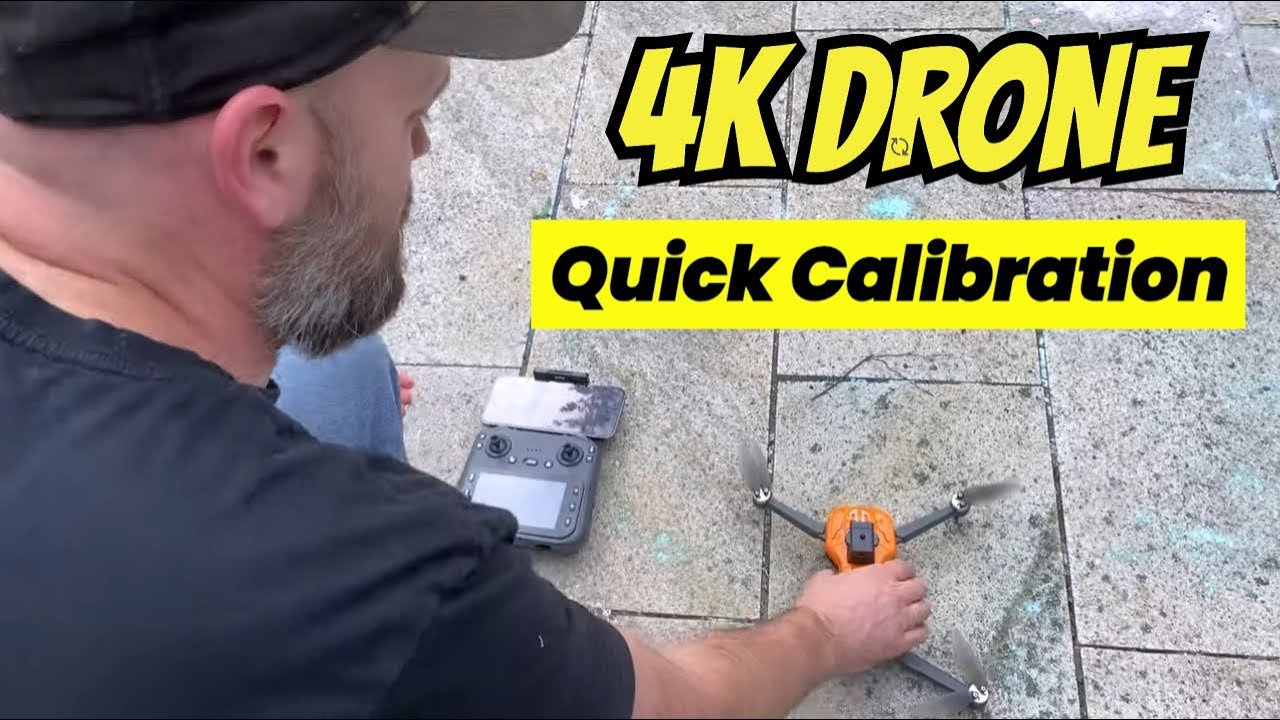
The setup follow-up is worth watching alongside the first video. It clarifies the indoor and outdoor modes and helps explain why calibration and GPS readiness are separate steps.
- Pair the controller and drone. In my demonstration, I turn on the controller, power on the drone, and wait for them to connect before continuing.
- Complete gyro calibration. I show the calibration button and the lights changing during that step.
- Choose the appropriate mode. My follow-up shows GPS off for indoor use and GPS on for outdoor use.
- Follow the compass-calibration prompts for outdoor setup. The display guides the horizontal and vertical rotations. Follow your unit’s current manual and on-screen prompts rather than relying on a remembered button press.
- Wait for outdoor GPS readiness before takeoff. Pairing and compass calibration alone do not mean the drone has acquired satellites.
Around 1:43 in the follow-up, I distinguish return-to-home from the automatic takeoff and landing control. Those are different functions. Read the instructions and understand your home-point and GPS status before relying on a return feature.
I also show fitting the removable obstacle sensor with the drone powered off. The point is to get the basics right before flying, rather than assuming the drone is ready as soon as the camera picture appears.
What I think of the camera and app features
I liked the live view and was impressed by the footage in my first flight video. The F180 is presented as a 4K camera drone, and I describe recording 4K footage through the app in that video. The most useful buying check is to watch the sample around 5:55 and judge whether it meets your expectations.
I have not independently measured the camera’s native resolution, stabilization, or performance against other drones. A 4K label by itself does not tell you everything about the finished image. My enthusiasm is based on what I saw while using mine.
Around 6:22, I discuss app options including follow-me, a planned path, waypoints, and circling an object. Those are interesting options, but showing or discussing a mode is not a reliability test of every automated flight feature. Outdoor automated flight also should not be mistaken for outdoor obstacle avoidance.
So, is the F180 drone worth buying?
I would consider it if your goal is to have fun flying and you value the controller’s built-in screen. Those are the parts that make it appealing to me. The indoor sensor test adds another useful feature, as long as you understand where it applies.
I would pass or compare other options first if outdoor obstacle avoidance is essential. That is the feature I wish this one had. I would also compare sample footage carefully if your main purpose is polished video work rather than recreational flying.
Whether it is good value for you also depends on the current price. Before buying, check the selected model, the current total, the included batteries and accessories, the return policy, and availability of replacement parts. This review is about the F180 and controller shown in my videos.
Questions I would ask before buying
Does F180 obstacle avoidance work outside?
In my test, it is an indoor-mode feature. I would not buy this drone expecting outdoor collision avoidance.
Do I need a phone to see the live view?
The controller I show has its own 4.5-inch display. I also use the app for recording and discuss additional app features, so the screen does not replace every use of a phone.
Is it a good first drone?
I can see the appeal for someone learning recreational flying, particularly the controller display. You still need to learn the modes, calibration, GPS readiness, and controls. It is not a shortcut around learning to fly.
Check the F180 from my video
Paid link: I earn a small commission if you buy through this link, at no extra cost to you. Thank you for supporting my work.
Check the F180 drone listing on Amazon
My final take
I like flying my F180. The screen on the controller is convenient, the camera view is fun to explore, and I enjoyed seeing the obstacle sensors work in my indoor test. I wish that assistance carried over to outdoor flying. It does not change the fact that I still enjoy using it, but it should absolutely be part of your buying decision.