
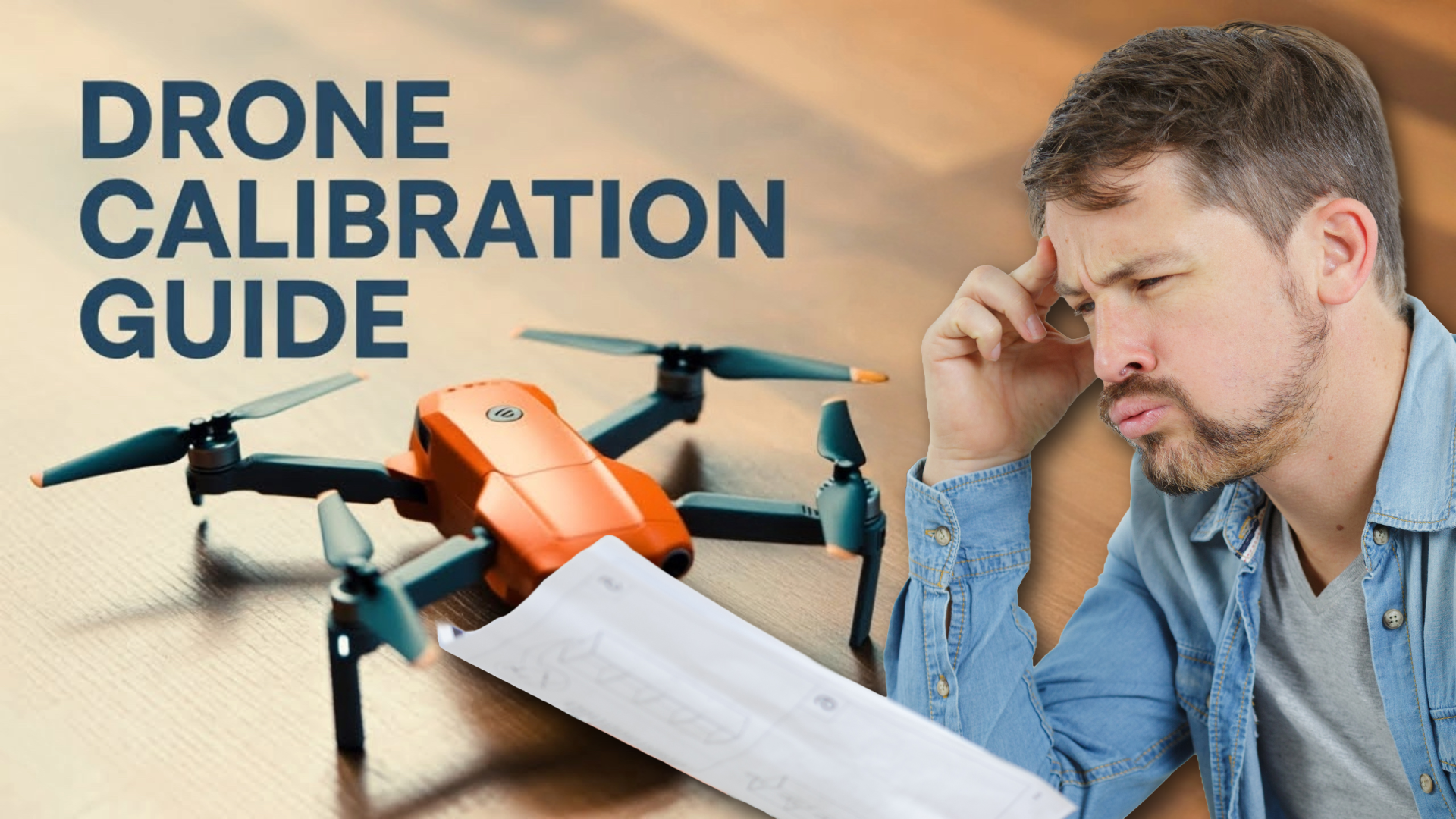
If you are preparing to operate a drone, the startup process is crucial. Whether you are testing a new model or assisting your children in their initial flight (as I did with Greyson last weekend), adhering to the appropriate steps ensures a smooth and safe experience.
Here is a concise overview of the correct procedures for initiating a drone, along with several recommendations to prevent novice errors.
Step-by-Step: Initiating Your Drone
Step 1: Activate the Remote Control
Always power up your controller prior to the drone’s activation. This initiates the remote in discovery mode, thereby preventing any potential connection issues.
Step 2: Power On the Drone
Press and hold the drone’s power button. Typically, LED lights will illuminate as the drone boots up and initiates a search for the controller.
Step 3: Wait for Synchronization
Most drones emit a flashing or beeping sound during the pairing process. Once the lights stabilize or undergo a color change, the connection is established.
Step 4: Verify Battery and Propeller Condition
Even in a hurried manner, it is imperative to ensure the following:
* Is the drone battery fully charged?
* Are the propellers securely fastened and free from damage?
Step 5: Conduct a Safe Takeoff
Depending on your model, you will either gradually increase throttle or utilize a one-button take-off mechanism. Maintain a safe distance, ensuring that Luna the Sphynx does not venture beneath the rotors.
Step 6: Hover and Calibrate if Necessary
Upon achieving altitude, hover in place for a few seconds. Some drones may request compass or yaw calibration, particularly in unfamiliar environments.
Step 7: Gradually Transition into Flight
Maintain a slow pace until you gain confidence. Greyson experienced this firsthand when attempting a barrel roll over Sandy’s dog bed.
Best Practices Before and After Takeoff
Adopt these habits consistently, especially when operating drones with children or pets in proximity.
Best Practices Before Takeoff:
* Fly in a spacious, open area, avoiding obstacles such as trees, power lines, and crowds.
* Maintain a safe distance from strong winds, particularly when operating lightweight drones.
* Familiarize yourself with local regulations, as some regions may impose no-fly zones or altitude limitations.
* If prompted, calibrate the compass or inertial measurement unit (IMU) or if you have relocated to a new location.
* Ensure that your drone remains within visual range at all times.
* After completing your flight, power off the drone first, followed by the remote control. This prevents synchronization issues in subsequent operations.
Final Thought
Operating a drone should be an enjoyable experience, not a stressful one. Take your time to ensure that all components are properly configured. The additional time spent synchronizing or inspecting propellers could prevent a crash or provide an opportunity to explain to your children why Echo is concealed under the couch once more.
If you require assistance with a specific drone model, please provide the name, and I will provide a detailed explanation.